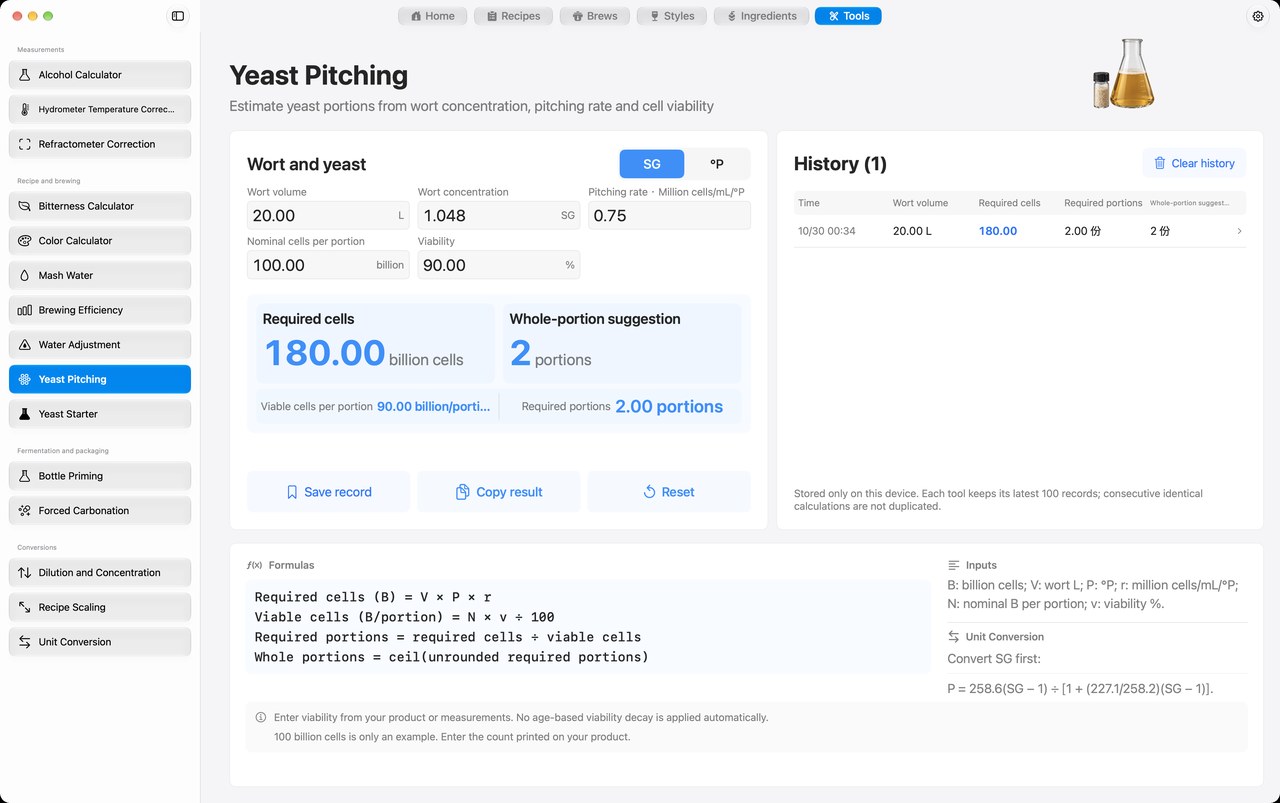
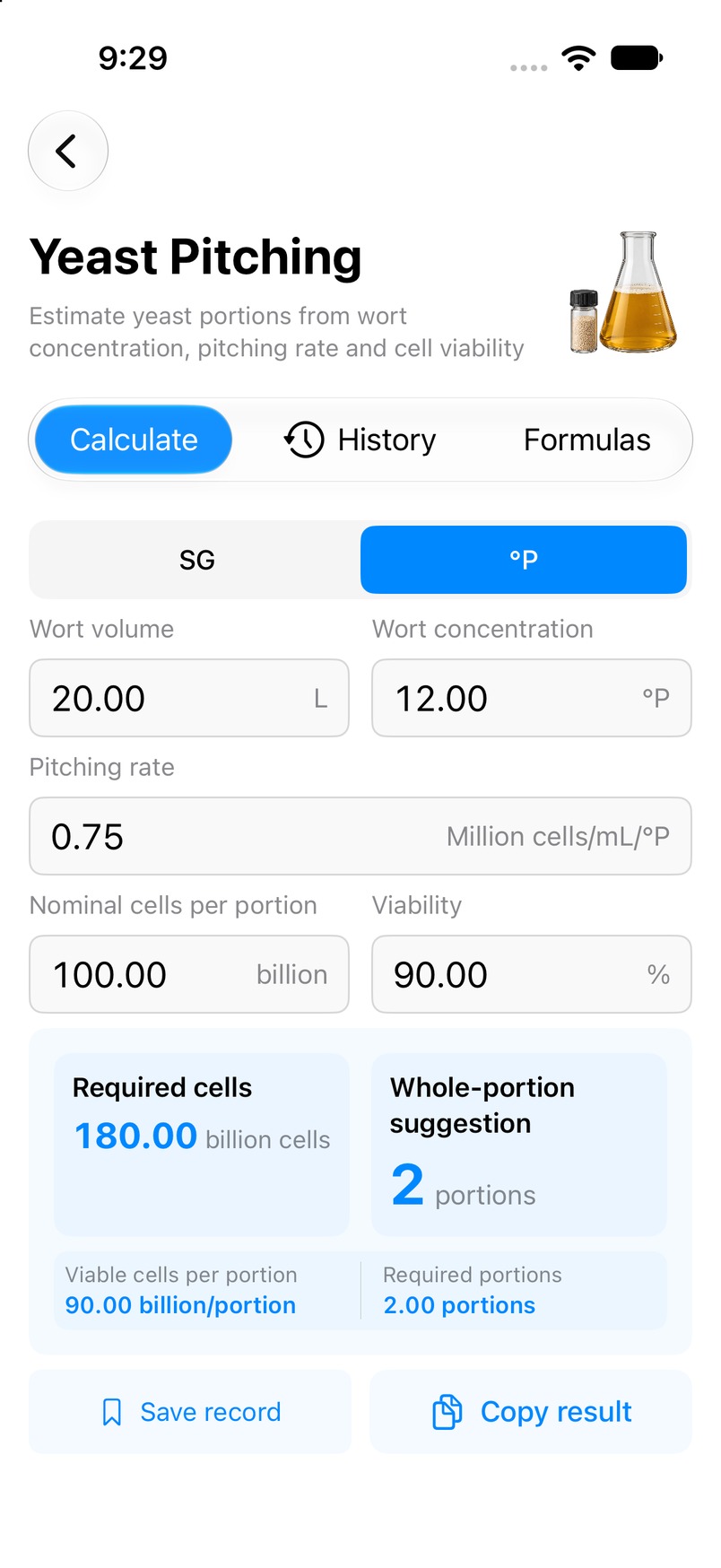
Actual Mbrew calculator interfaces on Mac and iPhone, in the selected language.
How to use it
In Mbrew, open Tools and select Yeast pitching.
Enter the following values using the units shown in the app: Wort volume, concentration, pitching parameters.
Review Estimated yeast pitch, then compare the inputs and result with your batch plan.
Interpreting the result
Check wort volume, strength, pitch rate and yeast viability. Required cells and portions are estimates; actual viability and handling affect the usable cell count.
Common questions
Can I calculate directly on this page?
No. Use the matching tool inside Mbrew. This page provides instructions and a screenshot.